
3D CAD that fits in your hands
Bright CAD is a solid modeller for iPad and Apple Pencil. Draw with the Pencil, pull the sketch into a solid, and export a file your printer or your CAD suite understands — on your own iPad, with no account to make and no round trip to the cloud. An Apple Pencil is required to sketch.
What it does
Sketch, then pull
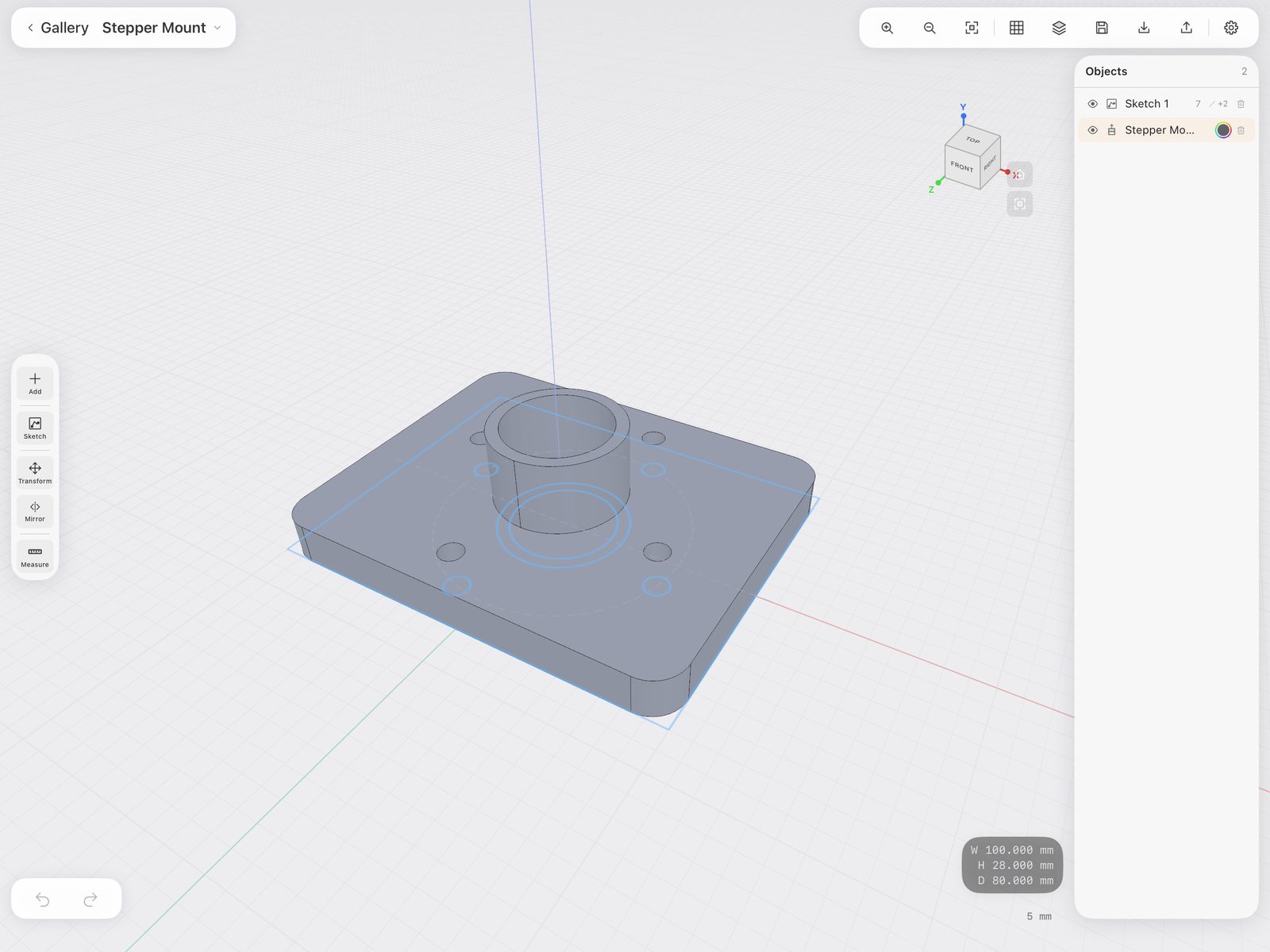
Draw lines, rectangles, circles and arcs on any face or plane. Constraints and dimensions keep the profile honest, then extrude, revolve, sweep or loft it into a solid.
Real solid modelling
Union, subtract and intersect. Fillet and chamfer the edges you pick. Mirror across a plane, push and pull a face, resize a curved one by its diameter. It runs on Open CASCADE, the open-source B-rep kernel desktop CAD such as FreeCAD is built on.
Pencil draws, fingers fly
Apple Pencil is the pen: it only ever draws and drags geometry, and it is the only thing that can — sketching needs one. Your fingers orbit, pan and zoom. No mode switching, no toolbar hunting for the thing you just put down.
Print-ready output
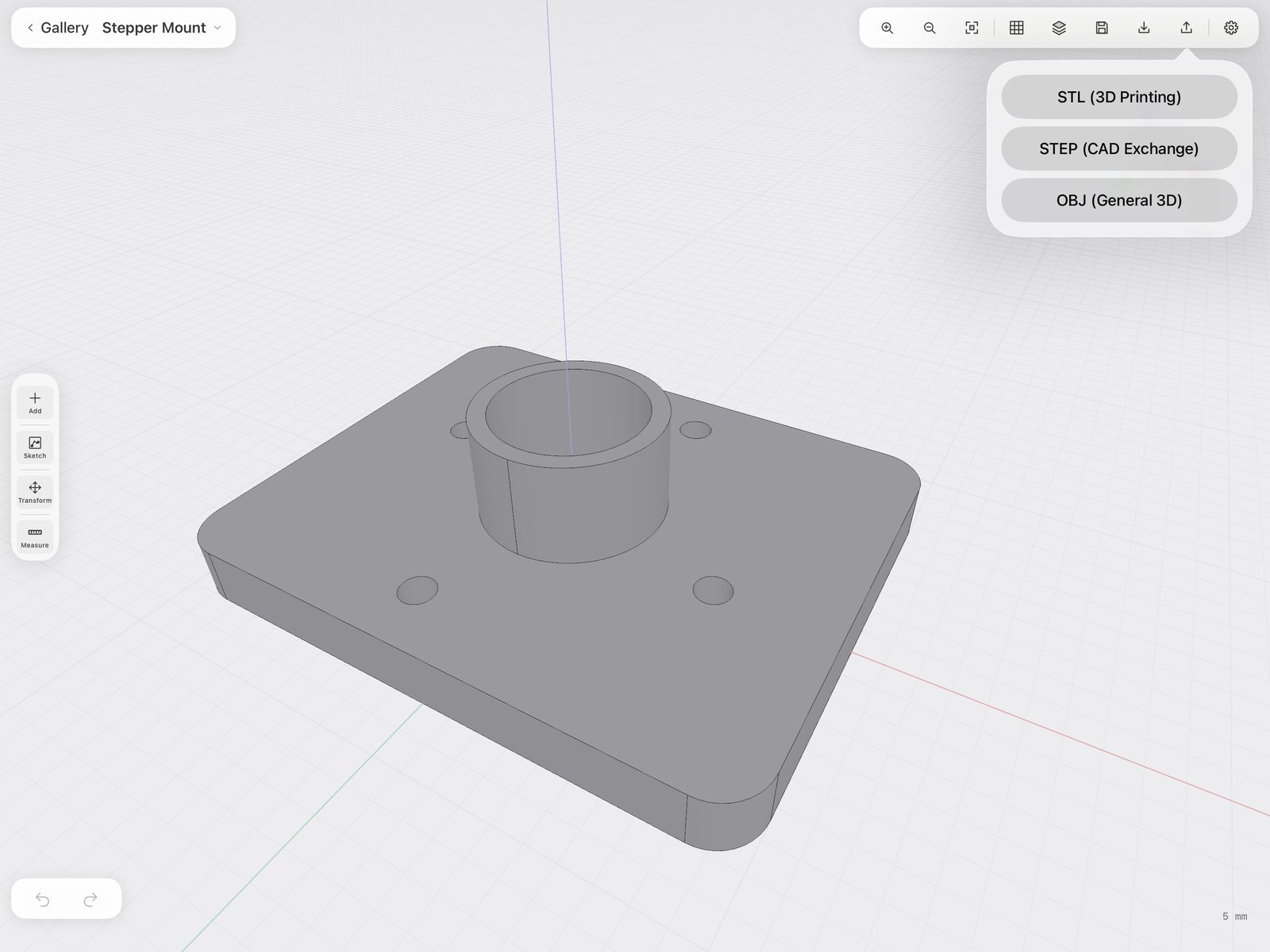
Export STL for the slicer, STEP for CAD exchange, or OBJ for everything else. Import STEP files and keep modelling on top of them.
Your files, your iPad
Projects are ordinary documents in the Files app. Rename them, move them, back them up, put them in iCloud Drive if you want to. Nothing is locked in an app-only vault.
Nothing phones home
No account, no sign-in, no analytics, no third-party SDKs. Bright CAD makes no network requests at all — which is why its App Store privacy label reads Data Not Collected.
Requirements
- Device
- iPad. The layout, the gestures and the Pencil work are built for it — there is no phone version.
- System
- iPadOS 17 or later.
- Apple Pencil
- Required for sketching. Every line, arc and circle is drawn with the Pencil — a finger orbits the model instead. You can open, view, measure and export projects without one, but you cannot draw.
- Formats
- Reads STEP. Writes STL, STEP and OBJ. Projects use the
.brightcaddocument format. - Price
- To be announced at launch.